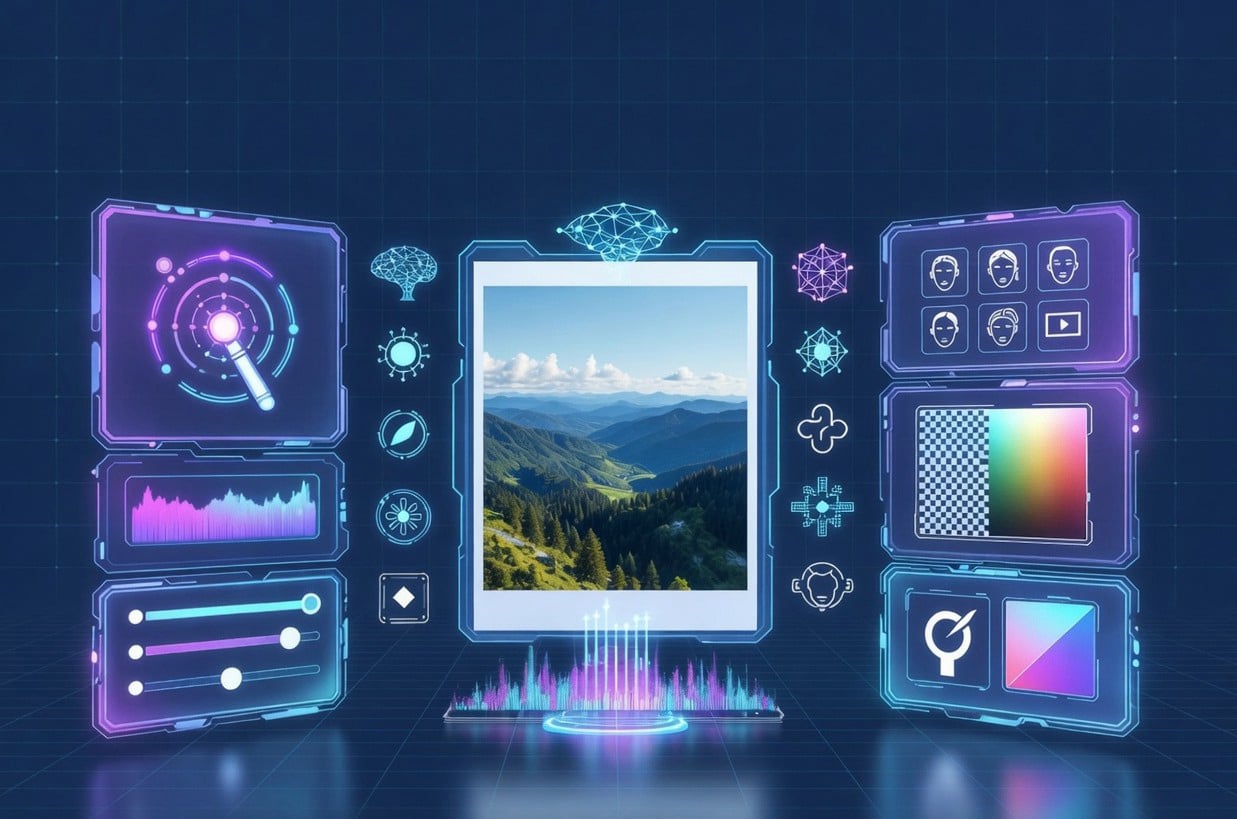
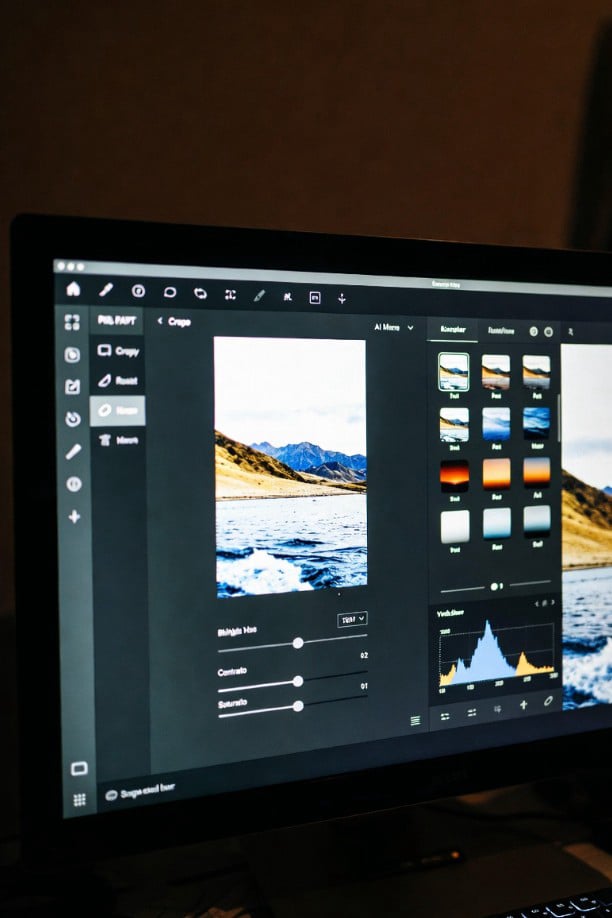
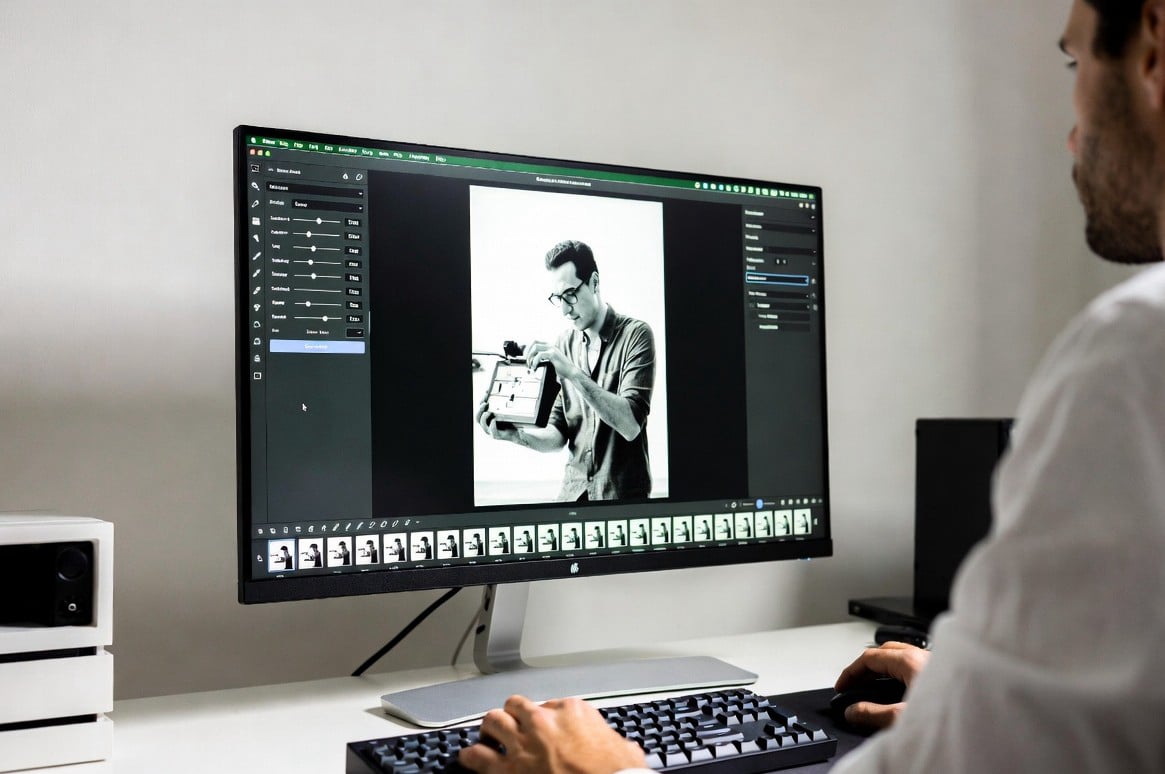
PixelAI Flow is an intelligent photo editing suite that automates complex retouching, color grading, and object removal. Our tools help creators, designers, and hobbyists achieve professional results in seconds without any manual effort.
PixelAI Flow was born from a simple belief: great photography should not require hours of tedious manual work. Our team of AI engineers and visual artists came together to bridge the gap between creative vision and technical execution. We understand that time is your most valuable resource, so we built a system that learns your style and applies smart adjustments instantly. From removing unwanted tourists from vacation shots to restoring old family photos, our engine handles the heavy lifting while you stay in the creative zone.
Unlike traditional editors that rely on sliders and filters, PixelAI Flow uses deep learning models trained on millions of professional images. This allows our AI to recognize faces, landscapes, lighting conditions, and textures. The result is a tool that does not just apply a generic effect but truly understands the content of your picture. Whether you are a social media manager needing consistent branding or a parent wanting to clean up birthday party snapshots, our platform adapts to your unique needs.
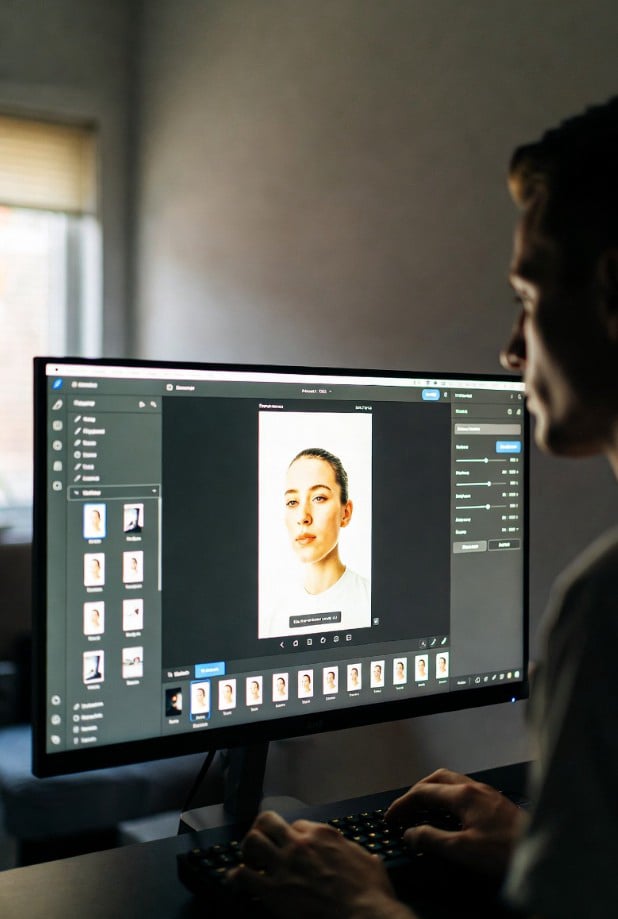
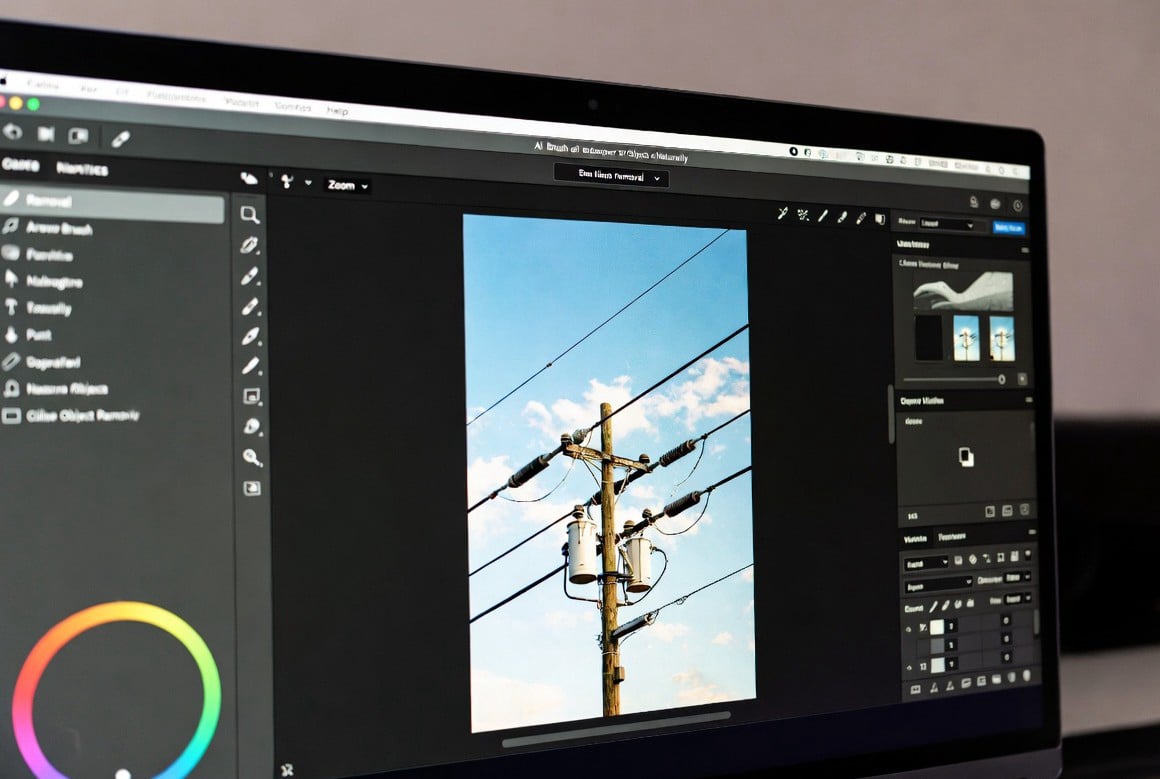
Learn why smart algorithms outperform manual cloning and healing brushes. This article explores how neural networks predict background textures to remove power lines, photobombers, or skin blemishes as if they never existed.
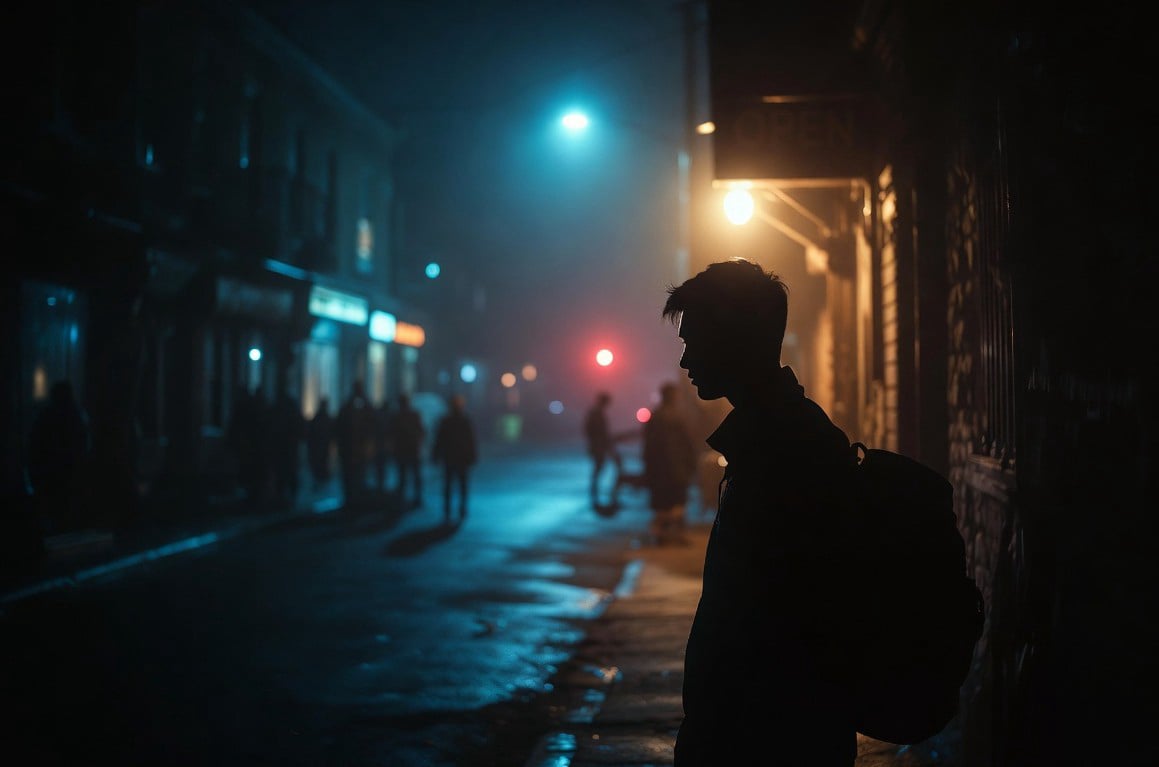
Night shots often suffer from noise and flat colors. Discover how PixelAI Flow’s intelligent lighting analyzer separates subjects from dark backgrounds, enhances contrast without crushing shadows, and adds cinematic tones in one click.
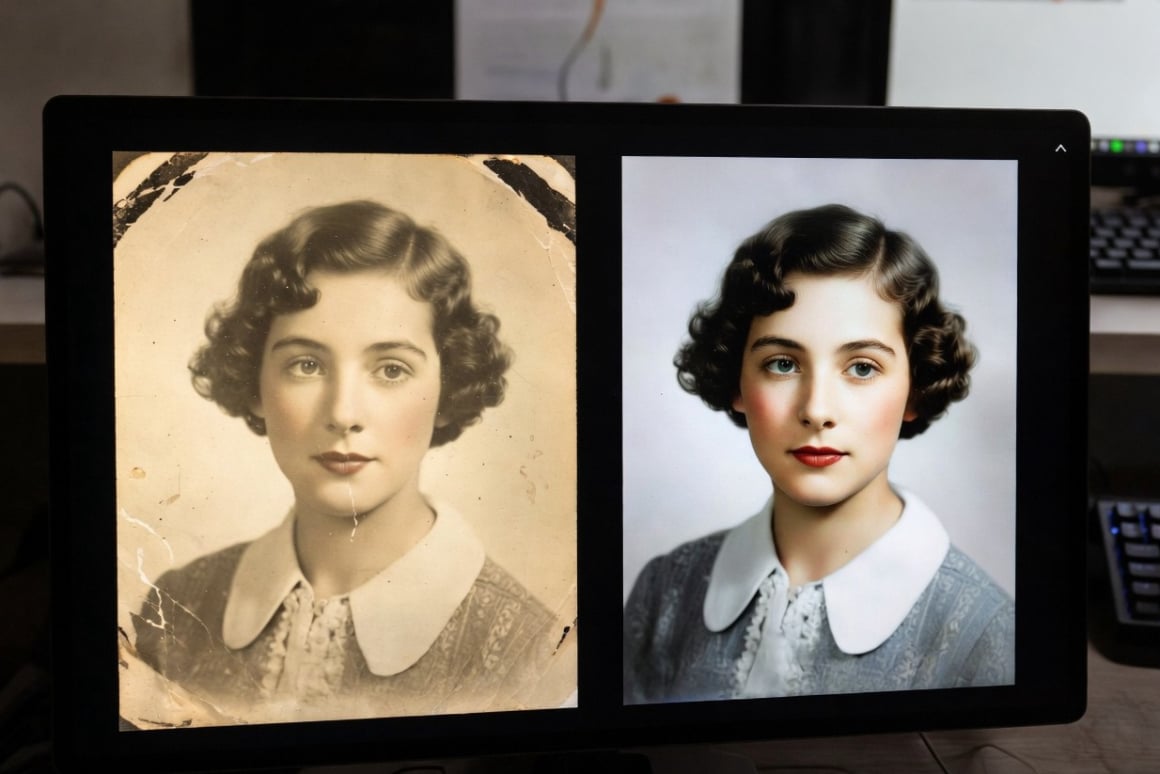
Old scanned photos come with dust, scratches, and color shifts. We break down how our restoration module identifies damaged areas and reconstructs missing details using context-aware AI, bringing vintage family albums back to life.
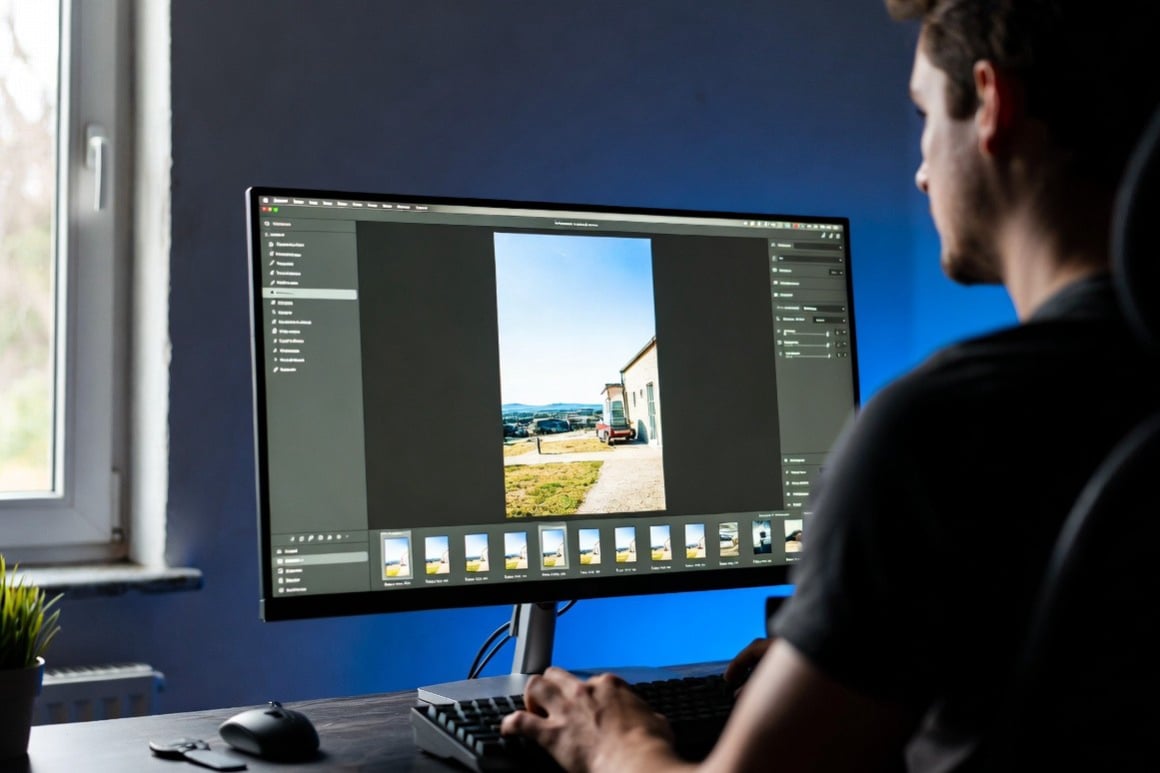
Consistency is key for product photographers and real estate agents. This guide shows how our AI profiles learn your preferred cropping, exposure, and white balance settings to process entire folders automatically, keeping your brand uniform across every image.
Our mission is to democratize professional image editing. We believe that creative expression should not be blocked by a steep learning curve or expensive software subscriptions. By harnessing artificial intelligence, we aim to give everyone—from a teenager with a smartphone to a seasoned art director—the ability to produce flawless visuals without spending hours watching tutorial videos.
We are committed to building ethical AI that enhances human creativity rather than replacing it. Every tool we design is meant to assist your decisions, not override them. We constantly update our models to be faster, more accurate, and more respectful of privacy. Your photos stay yours; we simply provide the smartest possible toolkit to improve them.
Forget sorting filters by trial and error. Our AI analyzes every photo to identify whether it is a portrait, landscape, food item, or architecture. It then applies tailored adjustments—smoothing skin for portraits or boosting greens for nature shots—automatically.
Every change you make is saved as a layer of data, not a permanent alteration. You can revert to any previous step or ask the AI to generate alternative versions of a correction. Experiment freely without fear of ruining your original file.
Working in a team? PixelAI Flow highlights areas that may need attention—such as uneven exposure or tilted horizons—and offers intelligent fix suggestions. Multiple users can leave AI-generated notes on the same image to streamline feedback.
Privacy matters. Unlike cloud-only tools, our core editing engine can run locally on your device. You can edit sensitive personal or commercial photos without uploading them to any external server, giving you full control over your data.
We envision a future where the technical barrier between an idea and a finished image completely disappears. In this future, artists spend 90% of their time on storytelling and composition, while repetitive retouching becomes fully automated. We see PixelAI Flow becoming an invisible creative partner—one that anticipates your next move and offers help before you even ask.
We are actively working toward adaptive AI that learns from your specific editing habits over time. Imagine an assistant that knows you prefer cool tones for outdoor shots and warm tones for indoor portraits, then applies those preferences across every project automatically. This personalized intelligence is the next frontier, and we are building it to serve creators of all levels.
Elena Vasquez
Co-Founder & Head of AI Research
Marcus Chen
Lead Product Designer
Sofia Ramirez
Director of Imaging Science
PixelAI Flow started as a weekend project in a small San Francisco apartment in 2021. Two friends—an AI researcher and a photographer—got tired of manually masking skies and skin. They wrote the first prototype to remove a single trash can from a street photo. That success led to more features: face enhancement, background replacement, and finally a full editing suite. Within six months, beta testers from five different countries were asking for access.
By 2023, we had grown into a remote-first team of twelve enthusiasts who still test every new feature on real personal photos—from pet shots to wedding albums. Our first public release focused solely on portrait retouching. Today, PixelAI Flow handles everything from product catalog automation to artistic style transfers. We remain bootstrapped and user-funded, which means our only boss is the quality of the edits we deliver.
No. Basic editing features like object removal, color correction, and face enhancement work offline. Cloud-only features (like style library syncing) are optional.
Never. PixelAI Flow always creates a separate edit layer. Your original image remains untouched unless you explicitly export over it.
Absolutely. All outputs are royalty-free. You own every edited photo 100%. There are no hidden licenses or usage tracking.
Very accurate on solid or textured backgrounds. For extremely chaotic scenes (like dense forests or crowds), the AI offers manual refinement brushes to guide the result.
The AI detects faces only to apply skin smoothing, red-eye correction, or relighting. It does not perform facial recognition, identification, or store any biometric data. All processing stays local unless you choose cloud backup.